
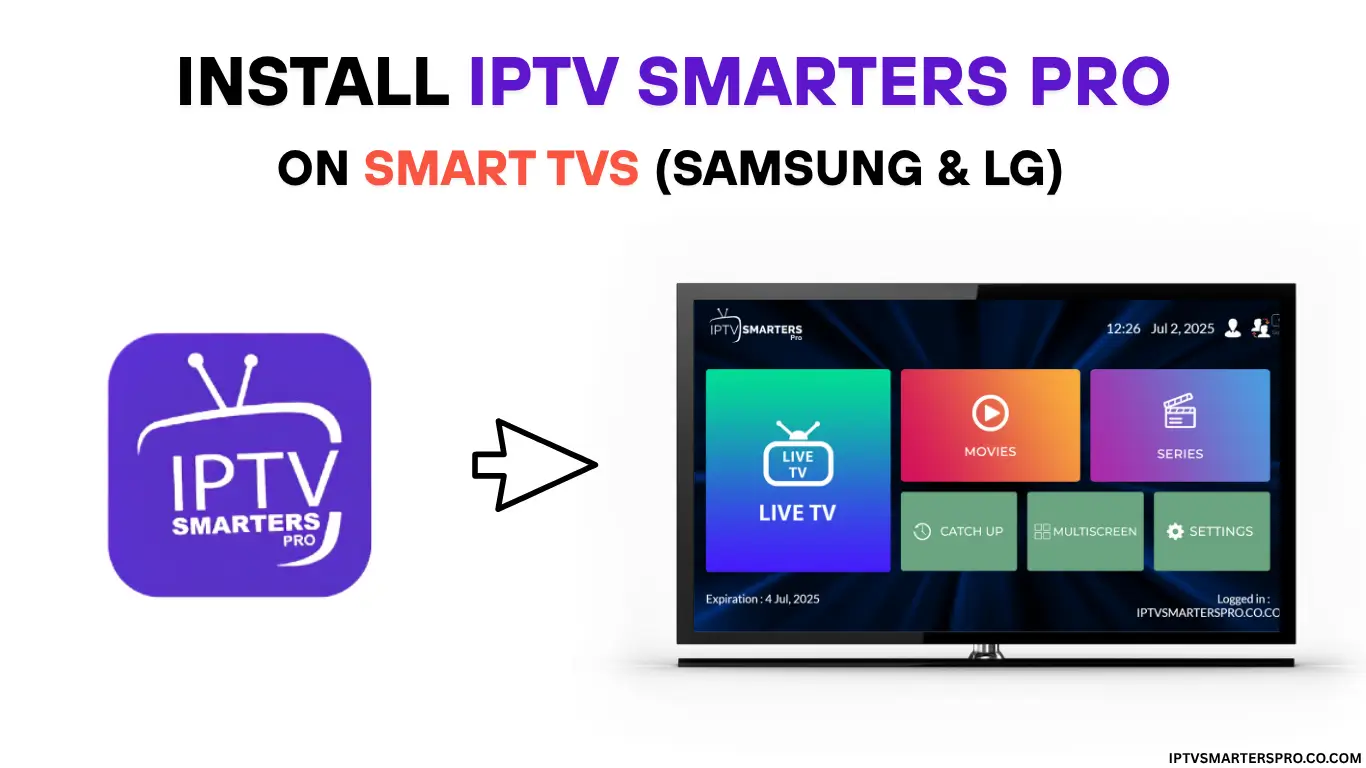
How to Use IPTV on Samsung & LG Smart TVs
How to Install IPTV on Samsung or LG Smart TV
Smart TVs make IPTV incredibly easy. You only need an app and your IPTV login info.
Best IPTV Apps for Samsung & LG
- HOT IPTV Player
Smart IPTV (SIPTV)
How to Install Smarters Player Lite
Open the Samsung/LG App Store
Search “Smarters Player Lite”
Install and open
Choose “Xtream Codes Login”
Enter username, password, and server URL
How to Use Smart IPTV (SIPTV)
Install the app
Note your TV MAC address
Visit siptv.eu
Upload your M3U playlist
Restart the app
Which App Is Best?
For most users → Smarters Player Lite
For advanced users → Hot IPTV Player
Get your IPTV playlist instantly!